
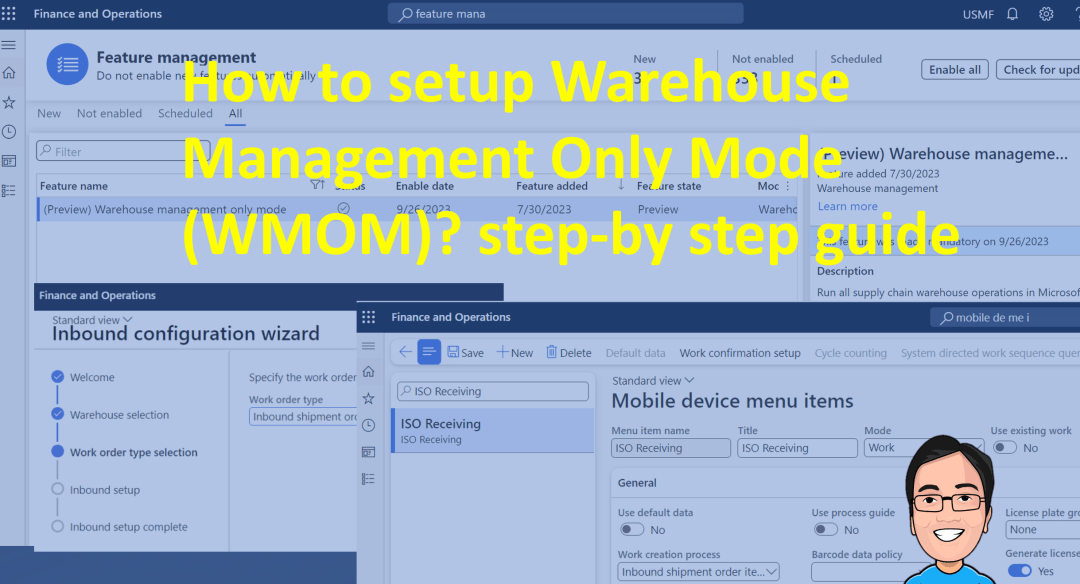
Introduction Microsoft Dynamics 365 Supply Chain Management now offers warehouse management-only mode (preview), which means you can use its core functionality with your existing investments in third-party ERP and order management systems. This mode allows for integration of automation, carrier integration, and the Warehouse Management mobile app. The lightweight source documents, dedicated to inbound and … Continue reading How to set up Warehouse Management Only Mode (WMOM)? step-by-step guide
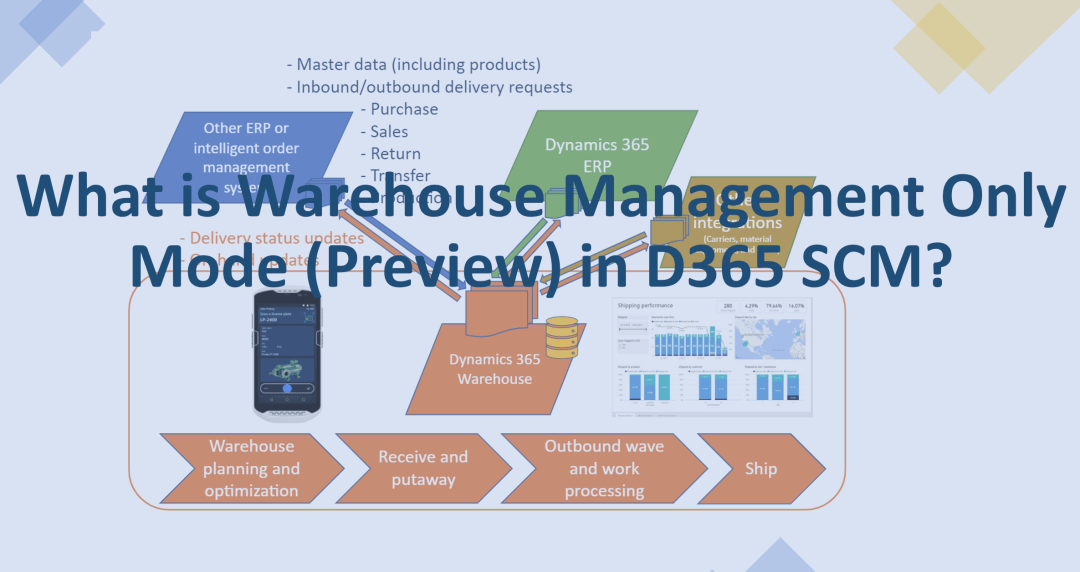
What is Warehouse Management Only Mode (Preview) in D365 SCM?
Introduction Microsoft Dynamics 365 Supply Chain Management now offers warehouse management-only mode (preview), which means you can use its core functionality with your existing investments in third-party ERP and order management systems. This mode allows for integration of automation, carrier integration, and the Warehouse Management mobile app. The lightweight source documents, dedicated to inbound and outbound shipment … Continue reading What is Warehouse Management Only Mode (Preview) in D365 SCM?
How to use Inventory status change periodic task – D365 SCM
This blog is continuation of the Inventory Statuses topic which I have discussed on last three blogs. Let’s have a look at how we can change the Inventory status from “Inventory status change” screen. This helps when you have many records to change the status and it is also possible to run as batch job too. Before we … Continue reading How to use Inventory status change periodic task – D365 SCM
How to change the Inventory Status using On-hand by Location screen – D365 SCM
This blog is continuation of the Inventory Statuses topic which I have discussed on last two blogs. Let’s have a look at how we can change the Inventory status from "On-hand by location" screen This option is really helpful if you are focusing on changing the Inventory Status of one particular Location for the selected Item/Items. Access … Continue reading How to change the Inventory Status using On-hand by Location screen – D365 SCM
How to change the Inventory Status of the Items in a Warehouse – D365 SCM
This is continuation of the Inventory Statuses topic which I have discussed on last blog. Let's have a look at how we can change the Inventory status from one type to another using "Warehouse Status Change" Screen. Before we go into the "Warehouse Status Change" screen we can have a look at the current Inventory … Continue reading How to change the Inventory Status of the Items in a Warehouse – D365 SCM
 d365bits.com