

Microsoft Copilot uses generative AI to provide in-app help and guidance in Dynamics 365 finance and operations apps. It uses public documentation to offer precise assistance and streamline navigation. The conversational experience is powered by a Microsoft Copilot Studio bot in the Dataverse environment linked to your D365 FO environment. Note :I have used 10.0.39 … Continue reading How to Enable generative help and guidance with Copilot feature
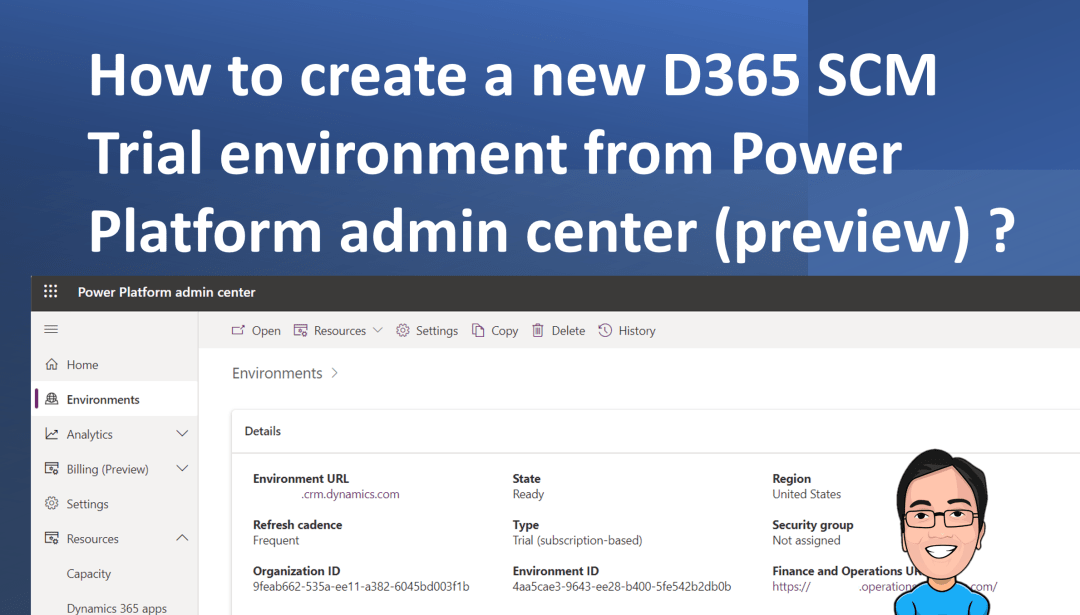
How to create a new D365 SCM Trial environment from the Power Platform admin center (preview) ?
Microsoft now offers free subscription-based trial environments for finance and operations apps, including Dynamics 365 Finance, Supply Chain Management, Project Operations, and Commerce, enhancing the experience for administrators, partners, and ISVs. Finance and operations apps can now be managed in Power Platform's admin center, allowing users to manage their environments, policies, licensing, and capacity. This … Continue reading How to create a new D365 SCM Trial environment from the Power Platform admin center (preview) ?
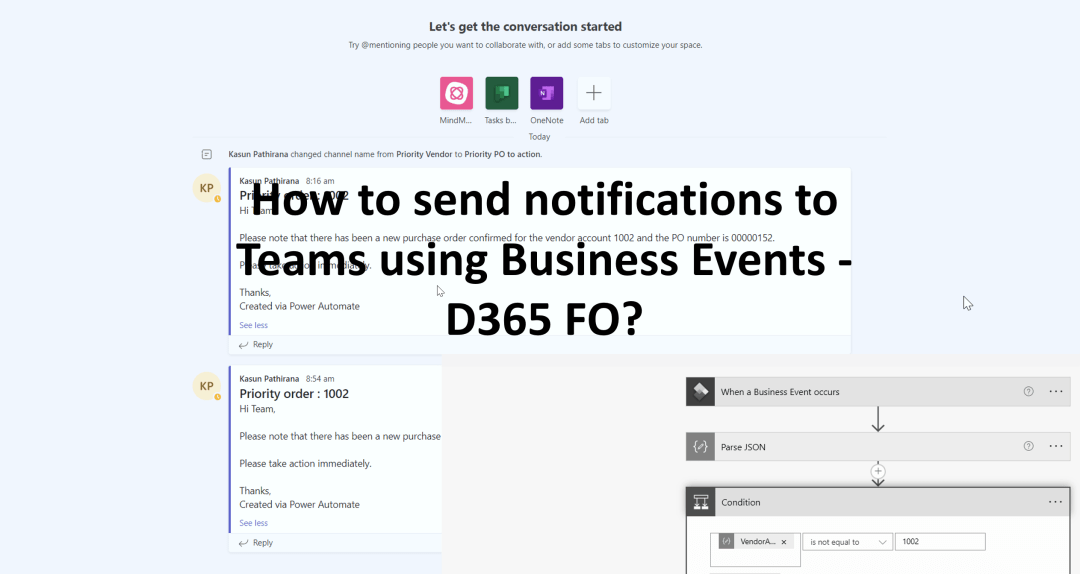
How to send notifications to Teams using Business Events – D365 FO?
Business events enable external systems to receive notifications from D365 FO apps, enabling business actions to be performed in response. These events occur during a business process, where users perform either workflow or non-workflow actions, such as approval or confirmation of purchases. These events can be used in integration and notification scenarios. Let us look … Continue reading How to send notifications to Teams using Business Events – D365 FO?
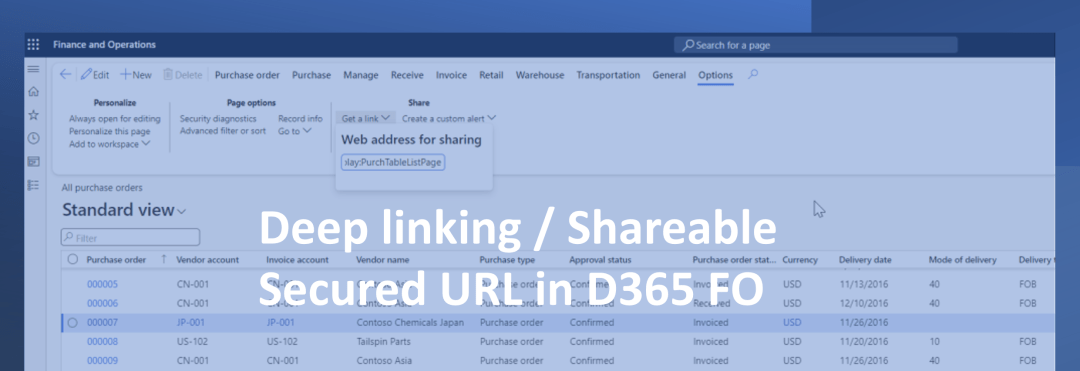
What is Deep Linking / Shareable Secured URL in D365 FO ?
Let us understand what is Deep Link in D365 FO. This is also known as shareable and secured URL's. First let's look at what is Deep Link and what are the uses of it. The URL Generator in D365 FO has the following uses. Developers could leverage on this URL Generator. It enables scenarios such … Continue reading What is Deep Linking / Shareable Secured URL in D365 FO ?
How to add D365 FinOps as a tab in Microsoft Teams
If you are someone who uses Microsoft Teams regularly and would be searching for a way to access D365 FinOps from Microsoft Teams directly then the following steps might help you. In the below example we will see how we can link "All Sales Orders" screen to be accessed from the "Sales Team". Access D365 … Continue reading How to add D365 FinOps as a tab in Microsoft Teams
 d365bits.com