
Microsoft Copilot uses generative AI to provide in-app help and guidance in Dynamics 365 finance and operations apps. It uses public documentation to offer precise assistance and streamline navigation. The conversational experience is powered by a Microsoft Copilot Studio bot in the Dataverse environment linked to your D365 FO environment. Note :I have used 10.0.39 … Continue reading How to Enable generative help and guidance with Copilot feature
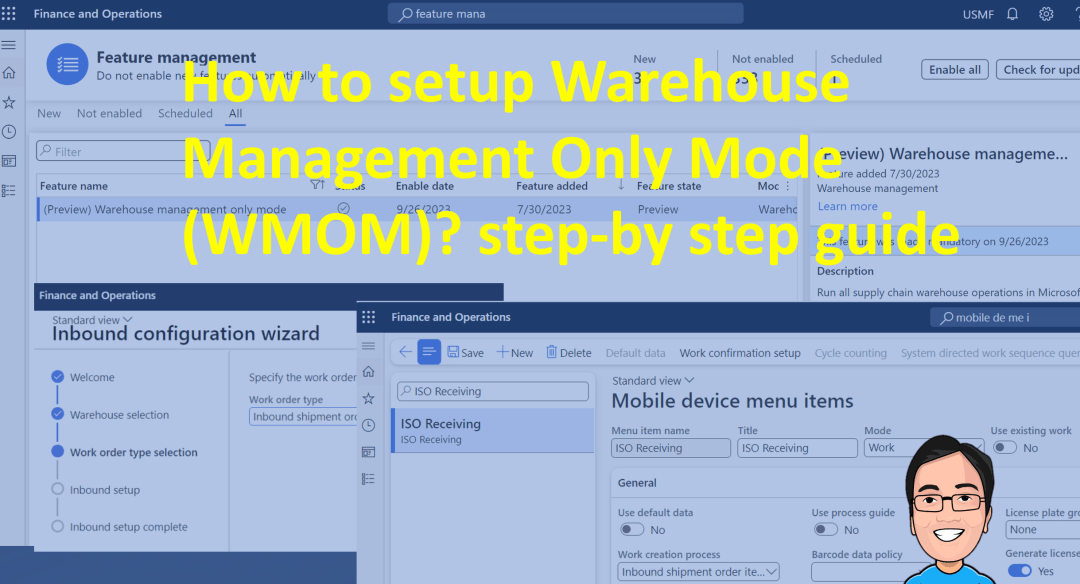
How to set up Warehouse Management Only Mode (WMOM)? step-by-step guide
Introduction Microsoft Dynamics 365 Supply Chain Management now offers warehouse management-only mode (preview), which means you can use its core functionality with your existing investments in third-party ERP and order management systems. This mode allows for integration of automation, carrier integration, and the Warehouse Management mobile app. The lightweight source documents, dedicated to inbound and … Continue reading How to set up Warehouse Management Only Mode (WMOM)? step-by-step guide
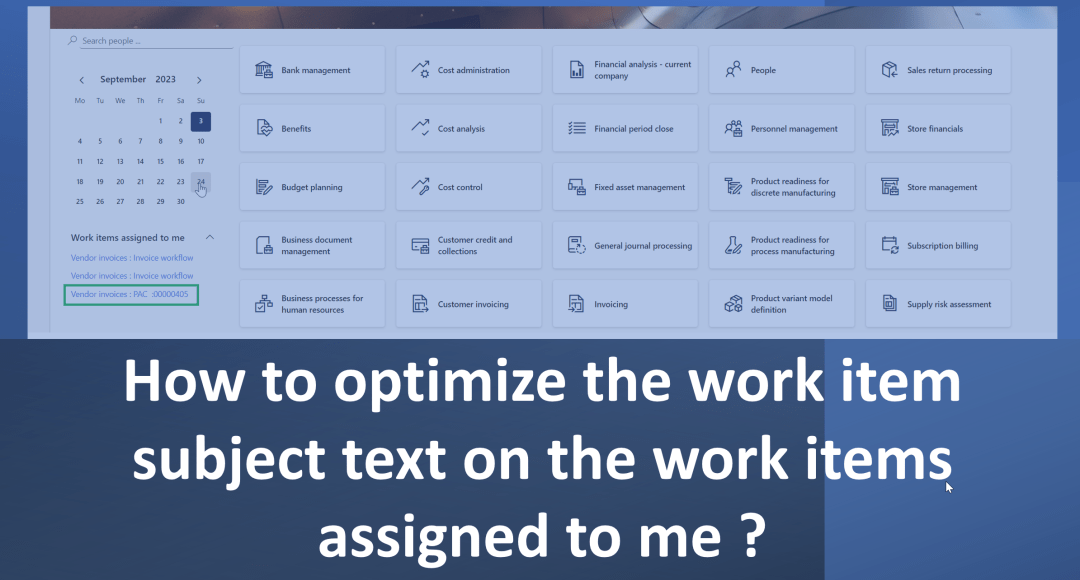
How to optimize the work item subject text on the work items assigned to me ?
When you navigate to the dashboard in D365 FO which gives you a great starting point to start your daily work. In your left side of the screen you could see "Work Items Assigned to me" and this section you would see workflow's which are assigned to you. But for an example if you are … Continue reading How to optimize the work item subject text on the work items assigned to me ?
 d365bits.com