
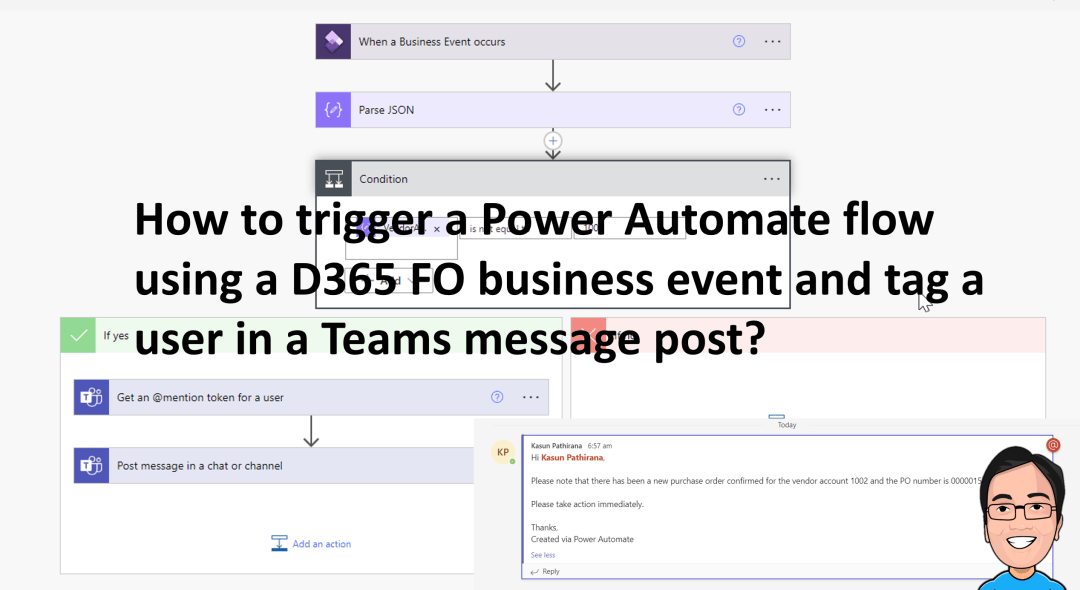
Power Automate has a fantastic feature that allows you to tag a specific person in a Teams message post. We'll use the same example we have used in a previous blog to demonstrate how you can tag a user in the Teams with the message it posts. If you would like to check the previous blog … Continue reading How to trigger a Power Automate flow using a D365 FO business event and tag a user in a Teams message post?

How to use workspace confirmed purchase orders with changes (Preview) ?
There is a new workspace which uses Generative Artificial intelligence (GAI) and it simplifies summarizing downstream effects of changes to confirmed purchase orders by creating a workspace called "Confirmed purchase orders with changes." This allows buyers to quickly confirm low-risk changes, free up time for high-risk ones, and communicate with vendors. Note : This blog … Continue reading How to use workspace confirmed purchase orders with changes (Preview) ?
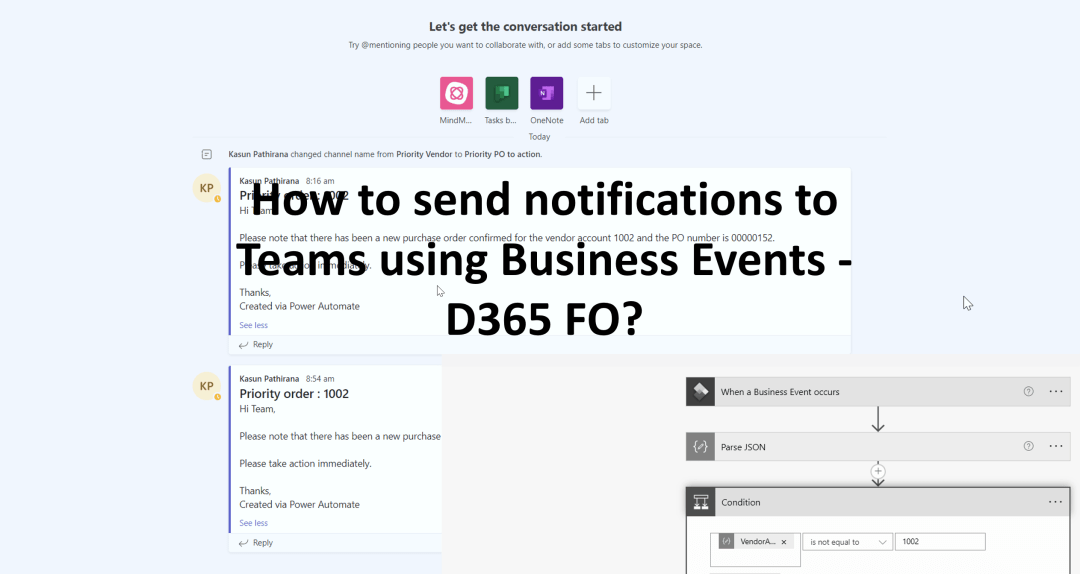
How to send notifications to Teams using Business Events – D365 FO?
Business events enable external systems to receive notifications from D365 FO apps, enabling business actions to be performed in response. These events occur during a business process, where users perform either workflow or non-workflow actions, such as approval or confirmation of purchases. These events can be used in integration and notification scenarios. Let us look … Continue reading How to send notifications to Teams using Business Events – D365 FO?
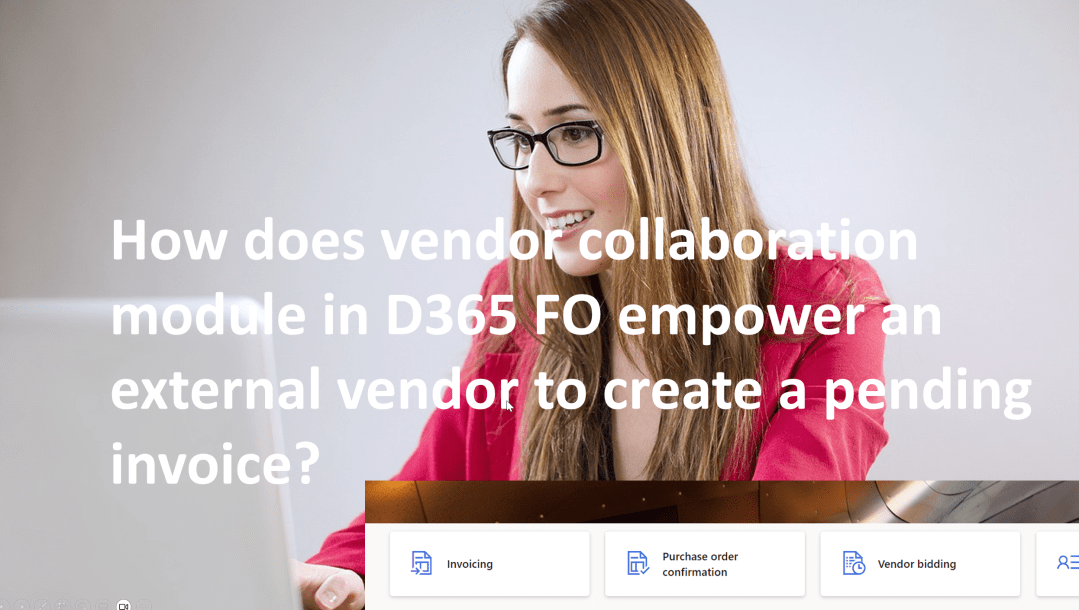
How does vendor collaboration module in D365 FO empower an external vendor to create a pending invoice?
The Vendor collaboration module in D365FO allows vendors to collaborate with external vendors without EDI integration, enabling them to access purchase orders, invoices, consignment inventory, and requests for quotations. Enabling specific vendors and defining information visibility are essential steps for successful vendor collaboration. As part of this blog we will look at how the external … Continue reading How does vendor collaboration module in D365 FO empower an external vendor to create a pending invoice?
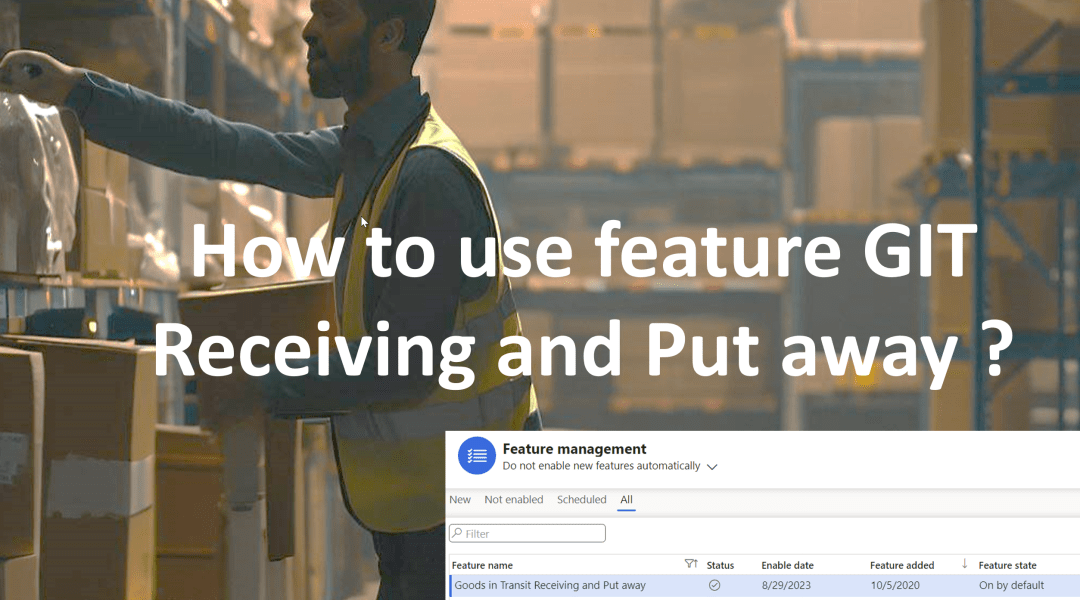
How to use feature Goods in Transit Receiving and Put away ?
I will be discussing feature "Goods in Transit Receiving and Put away" in this blog. With this you can do the receiving and putaway using one single mobile device menu. Enable the feature "Goods in Transit Receiving and Put away" in feature management make sure you enable this in a testing environment and thoroughly test … Continue reading How to use feature Goods in Transit Receiving and Put away ?
 d365bits.com