
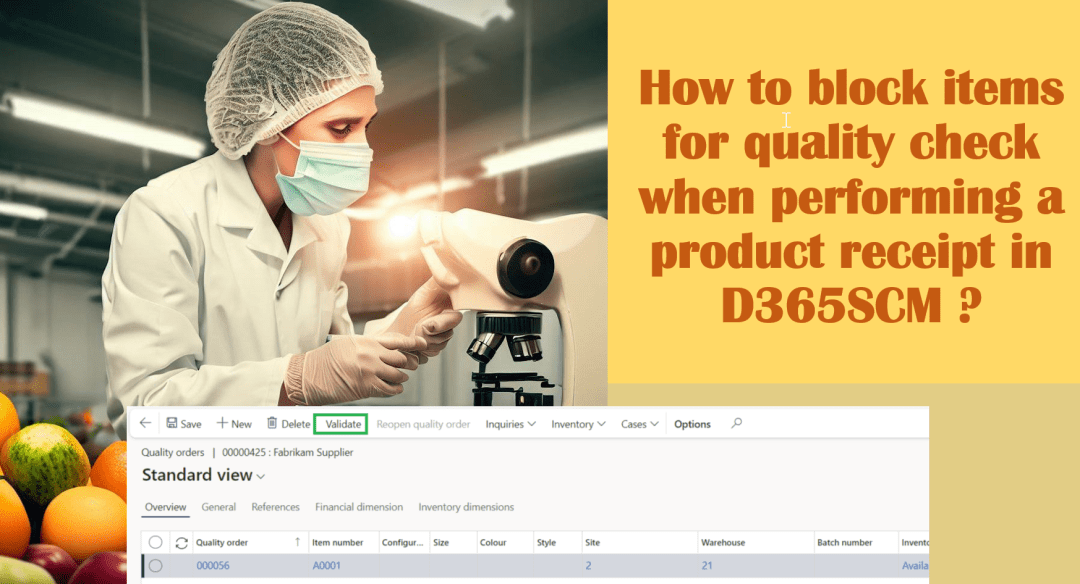
A crucial phase in the quality inspection process is blocking inventory. During the quality check, items are instantly forbidden from distribution or consumption. This makes sure that only the best products are obtained and utilized and not been sent/committed to customers without a proper quality check. Let's look at a scenario where USMF company would … Continue reading How to block items for quality check when performing a product receipt in D365SCM ?
Blog
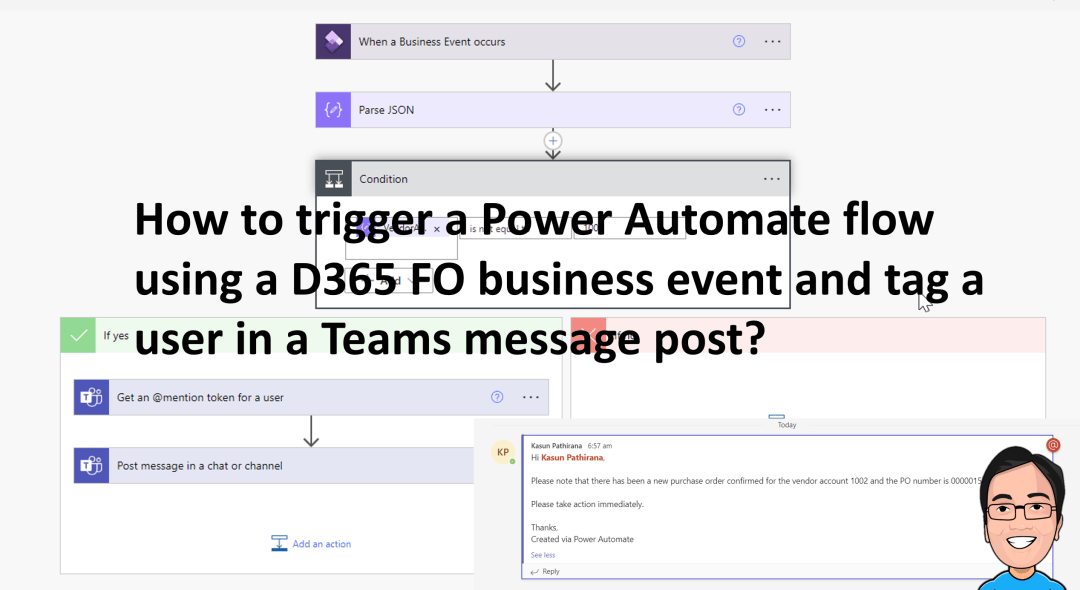
How to trigger a Power Automate flow using a D365 FO business event and tag a user in a Teams message post?
Power Automate has a fantastic feature that allows you to tag a specific person in a Teams message post. We'll use the same example we have used in a previous blog to demonstrate how you can tag a user in the Teams with the message it posts. If you would like to check the previous blog … Continue reading How to trigger a Power Automate flow using a D365 FO business event and tag a user in a Teams message post?

How to use workspace confirmed purchase orders with changes (Preview) ?
There is a new workspace which uses Generative Artificial intelligence (GAI) and it simplifies summarizing downstream effects of changes to confirmed purchase orders by creating a workspace called "Confirmed purchase orders with changes." This allows buyers to quickly confirm low-risk changes, free up time for high-risk ones, and communicate with vendors. Note : This blog … Continue reading How to use workspace confirmed purchase orders with changes (Preview) ?
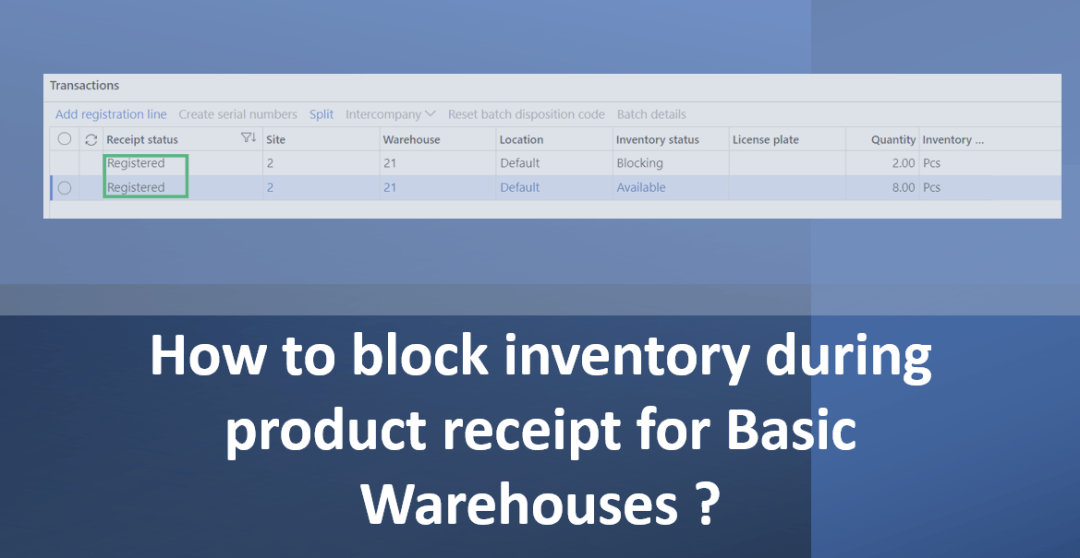
How to block inventory during product receipt for Basic Warehouses ?
In some circumstances, even if you aren't using a D365 FO quality management feature for a particular vendor or item. Also the business might not use the quality management function to initiate a quality order during the product receipt process. In this scenario, if there is a problem with the product while receiving the product, you … Continue reading How to block inventory during product receipt for Basic Warehouses ?
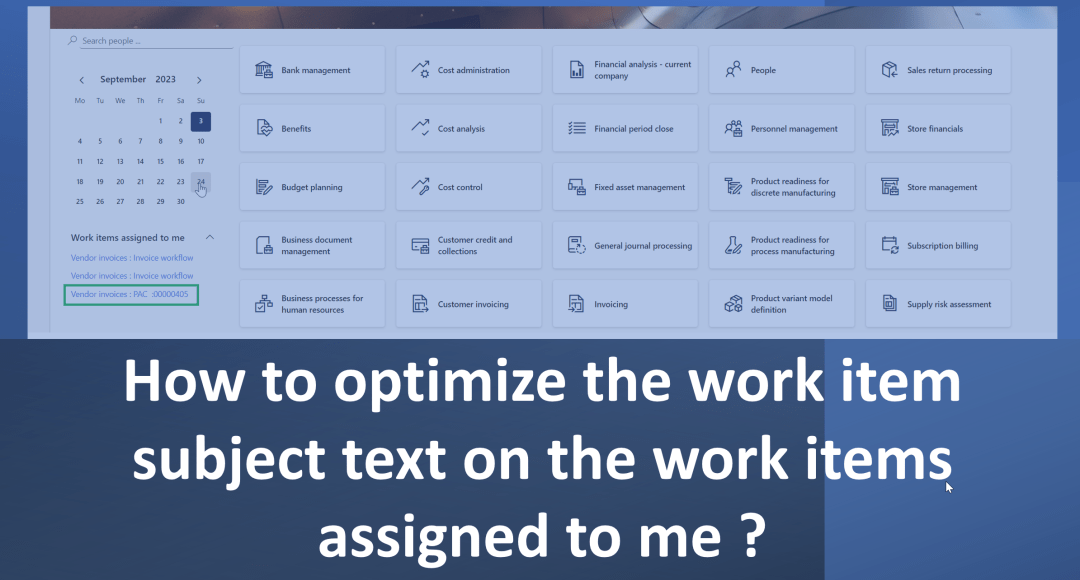
How to optimize the work item subject text on the work items assigned to me ?
When you navigate to the dashboard in D365 FO which gives you a great starting point to start your daily work. In your left side of the screen you could see "Work Items Assigned to me" and this section you would see workflow's which are assigned to you. But for an example if you are … Continue reading How to optimize the work item subject text on the work items assigned to me ?
 d365bits.com