
A crucial phase in the quality inspection process is blocking inventory. During the quality check, items are instantly forbidden from distribution or consumption. This makes sure that only the best products are obtained and utilized and not been sent/committed to customers without a proper quality check.
Let’s look at a scenario where USMF company would require to block Item A0001 to be blocked for quality checking for the vendor account US-104 before preforming the product receipt. Also needs to do 100% quality checking and temperature and visual inspection tests.
Let’s look at how we can setup the system as per the scenario given above and then test it in the system.
- Under quality association make sure process to be blocked before and event type as product receipt. Also Item code and account code been selected as A0001 and US-104 respectively.

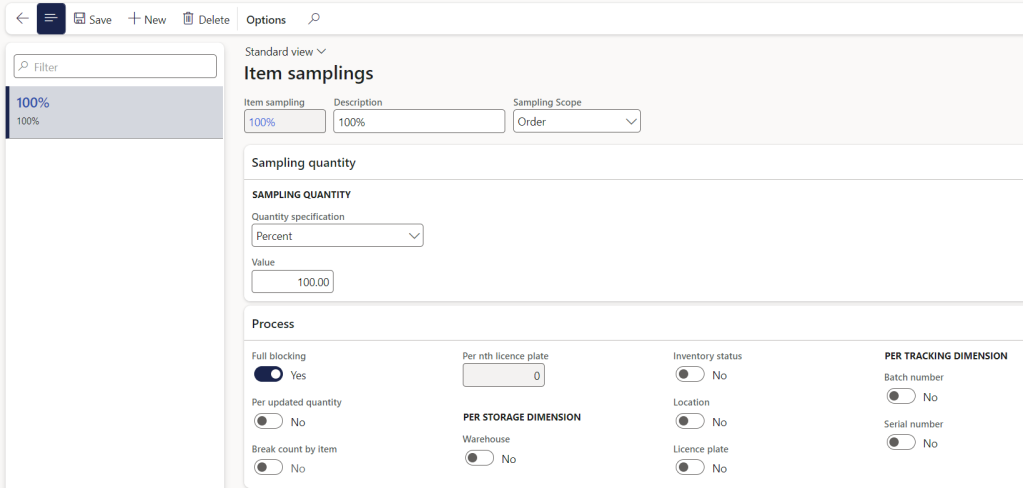
2. Item sampling setup is shown below where used 100% check on quality.
3. Also Mapped to the below test group and there are two tests to be done Temperature check and visual inspection.

4. Let’s create Purchase order for the vendor US-104 and Item A0001 and confirm the PO.


5. Let’s try to perform the product receipt.
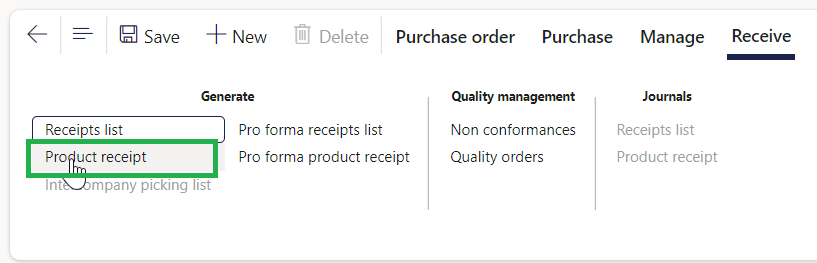
Enter the delivery note number and document date. Click ok.


You could see that it has been block for the quality inspection.

Also this will create a Inventory blocking transaction as shown below.

6. Go to the quality order which has been created.

7. Now you could see that the quality order has been created for 10 quantity and waiting for two tests to be performed.

8. Let’s update the quality results as pass for the both tests as shown below.

Enter the temperature check quantity and result value. In this example it has been setup the temperature to be accepted in the range 25-40 C.
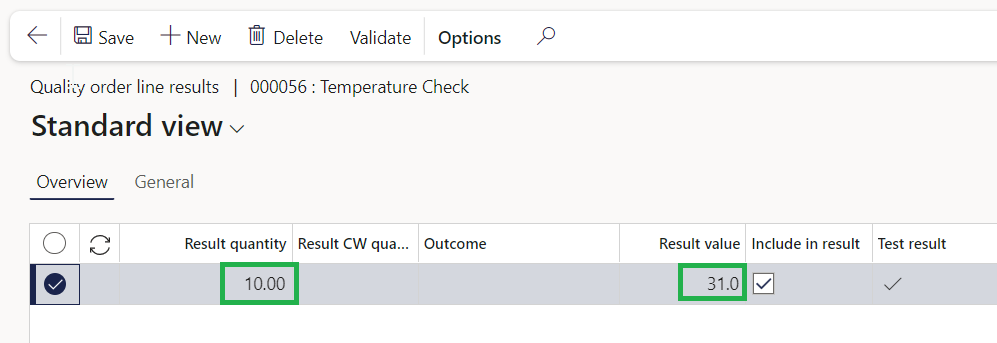
Similarly enter the visual inspection results as passed as shown below.

9. Validate the quality order. And click ok.


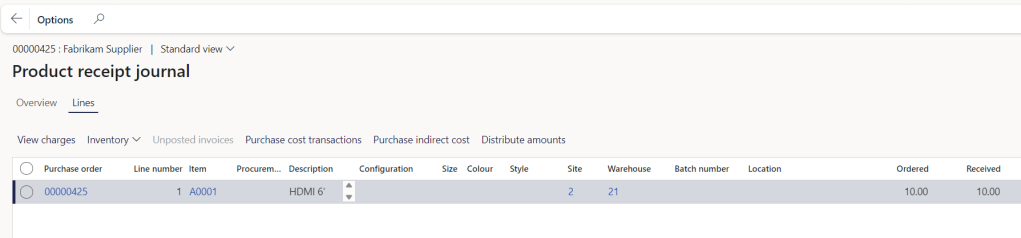
10. Post the product receipt.
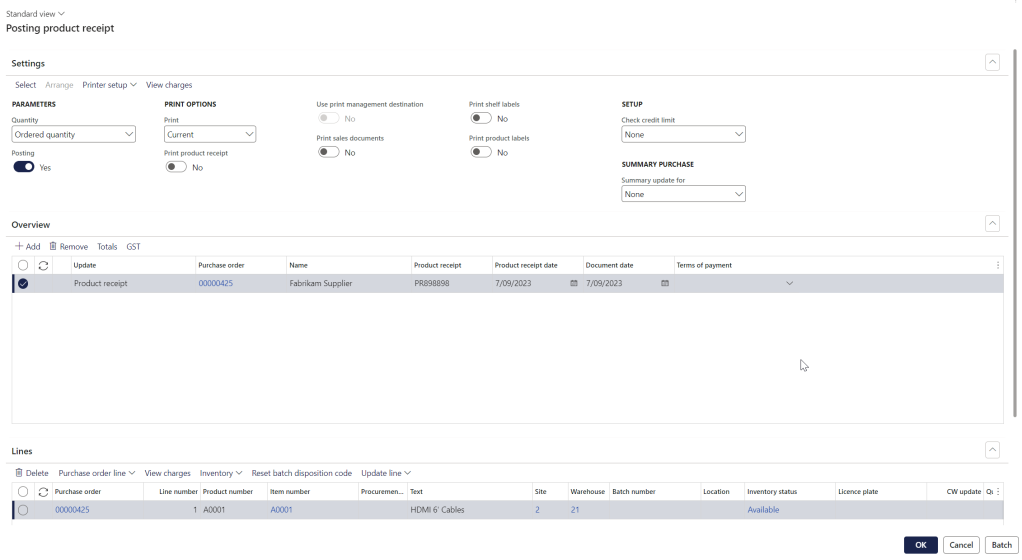
Product receipt has been done successfully.
Thanks for reading this blog post. Will meet you again with the next post.

 d365bits.com