
Business events enable external systems to receive notifications from D365 FO apps, enabling business actions to be performed in response. These events occur during a business process, where users perform either workflow or non-workflow actions, such as approval or confirmation of purchases. These events can be used in integration and notification scenarios.
Let us look at a scenario where we can notify the procurement team Teams Channel “Priority PO to action channel” for the vendor 1002 as it is really vital for the procurement team to track the PO’s which are confirmed against this specific vendor account.
- Create a business event as shown below.
If you would like to learn more on the how to parse json I have covered in a previous blog and you can find click the link here.


2. Let’s create a Purchase Order for Vendor 1002. And then confirm the PO.
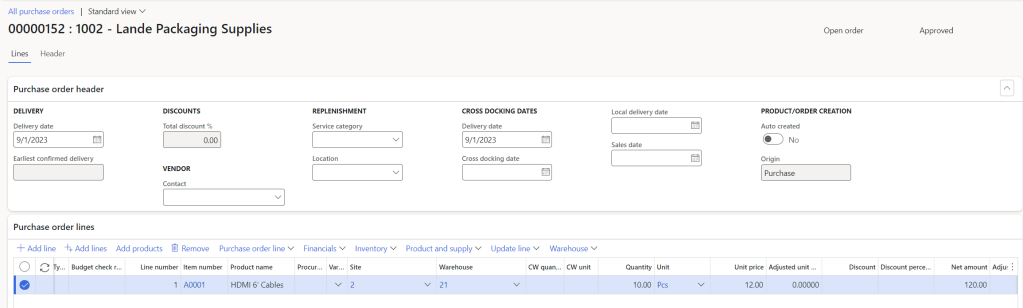
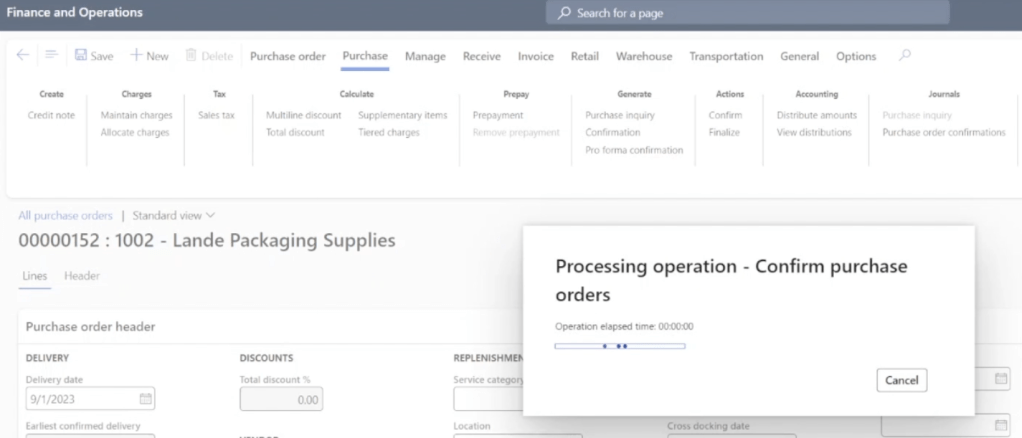
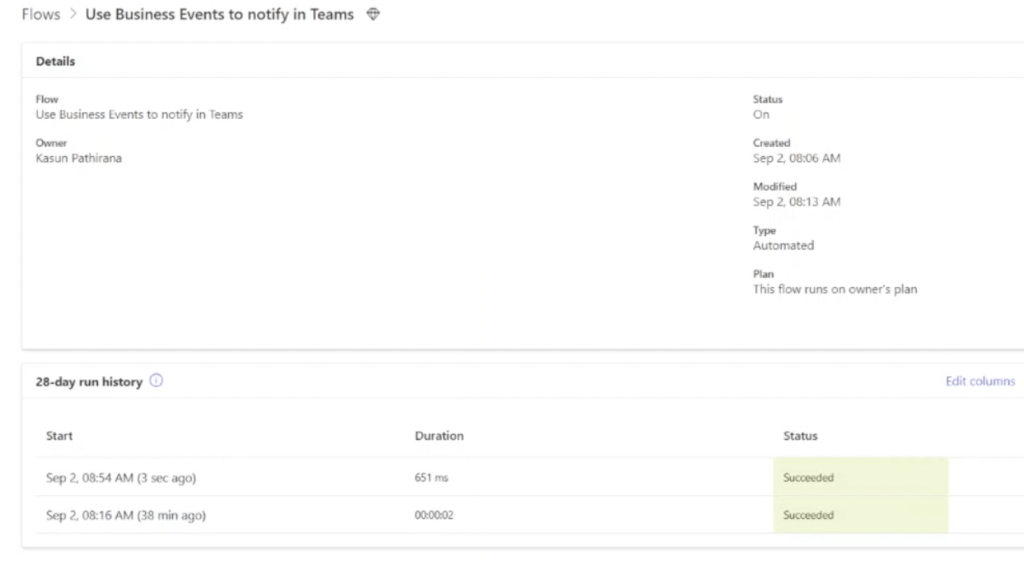
3. Cloud flow in Power Automate ran successfully as shown below.
4. That created the message in Teams as shown below.

Let’s look this in action.
Thanks for reading this blog post. Will meet you again with the next post.

 d365bits.com
2 thoughts on “How to send notifications to Teams using Business Events – D365 FO?”